Def Jam Recomp: Fight for NY, native
The 2004 Xbox fighter recompiled into a native game for Windows, Mac, Linux and the Steam Deck, plus a separate Android port. Built on your machine from your own copy. PC v1.1.1, Android v1.4-FG.
- PC, Mac, Linux, Deckv1.1.1November 8, 2026
- Android ARM64v1.4-FGNovember 6, 2026
Which file do I download?
Pick your system. Every button goes straight to the file on the project’s GitHub Releases page (PC v1.1.1, Android v1.4-FG).
This site hosts no files and gives no help getting game files: both ports need your own USA Xbox copy of the game.


Check a file’s SHA-256
Drop the .exe, .zip, .AppImage or .apk you downloaded, or the default.xbe of your own copy. Your browser calculates its SHA-256 with WebCrypto and compares it with all 310 files published in both projects’ GitHub releases and the supported USA default.xbe. The file never leaves your device.
Windows: certutil -hashfile FILE SHA256
macOS: shasum -a 256 FILE
Linux: sha256sum FILE
The Xbox code  becomes C, the C becomes your own build, and the fights
 run at 60 fps on today’s screens.
A recompiled port, not an emulator
Def Jam: Fight for NY came out in 2004 on PS2, Xbox and GameCube. Def Jam Recomp starts from the Xbox version: the xboxrecomp toolchain translates the game’s executable into C, which is compiled ahead of time for your computer, and an Xbox compatibility runtime supplies graphics, audio and input. This guide tracks every release of both ports: which file to get, what its SHA-256 should be, what your machine needs and how to set it up.
- You download Def Jam Recompiled, a small app that holds no game files.
- You choose your own USA Xbox disc image or extracted folder; the app checks it against the supported dump and leaves it unchanged.
- The app recompiles and builds the game on your computer (several minutes), then Play starts it. Updates rebuild from the same copy.
Since October 4, 2026 the PC project has shipped 42 releases and been downloaded 31,664 times on GitHub; the Android port adds 83,721 downloads across 6 releases (November 9, 2026). The PC code is MIT licensed and maintained by vyanhursky; the Android port is maintained by contatg.
Your own USA Xbox copy
- Computer
- Windows x64 (drawn with Direct3D 11), a Mac with Apple Silicon (Vulkan through MoltenVK) or x86-64 Linux, including the Steam Deck (Vulkan). There is no Intel Mac build.
- Phone
- Android 10 or newer on an ARM64 phone with a working Vulkan driver, for the separate Android port (v1.4-FG).
- Game
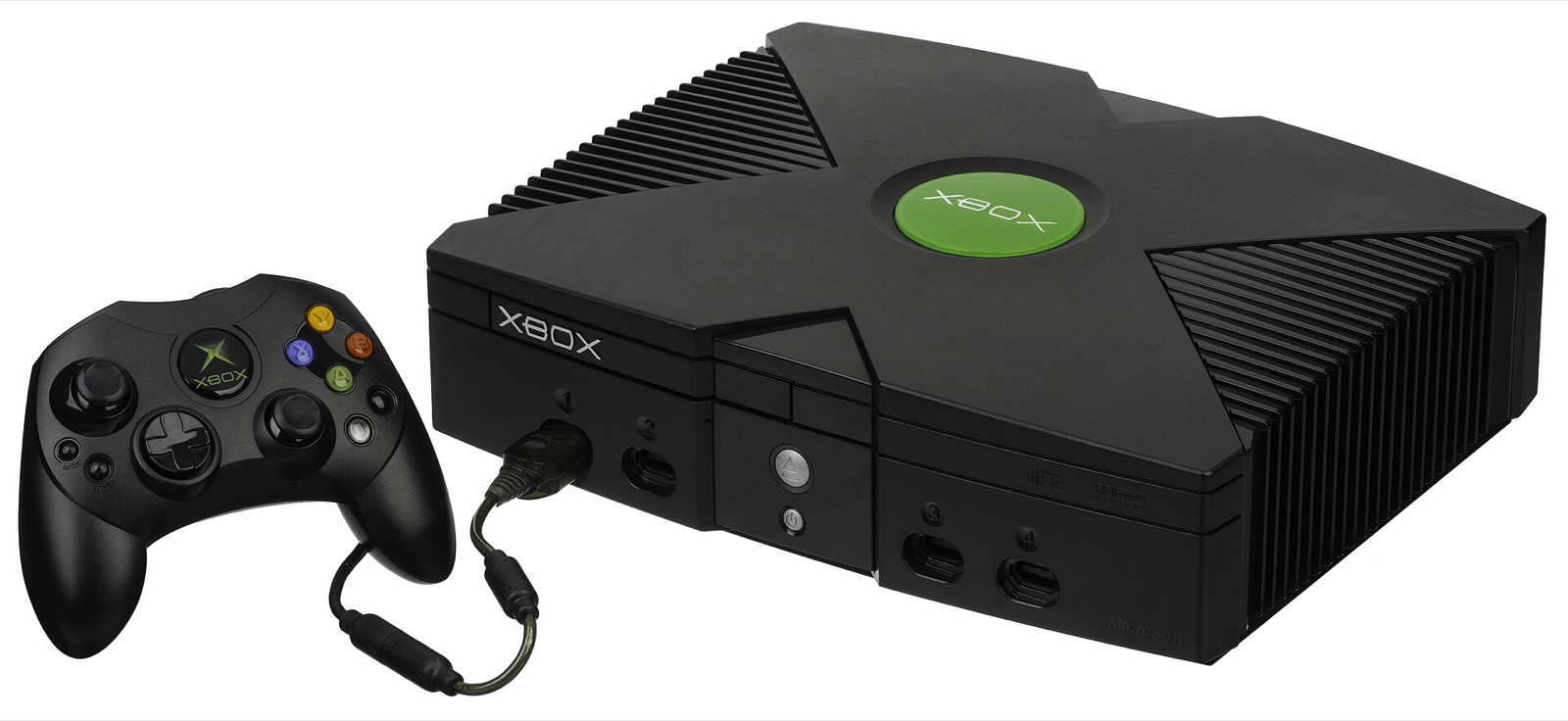
- Your own USA (NTSC-U) Xbox copy of Def Jam: Fight for NY, as a disc image (ISO/XISO) or an extracted folder: title ID
0x45410049, 118 files. PS2 and GameCube copies cannot be used. - Disk space
- About 12 GiB of working space, plus the size of your copy (about 3 GB) and 1 GiB. Upscaled Original Textures need up to 15 GiB more. The app shows the exact figure before it starts.
- Build tools
- Windows: Microsoft’s C++ Build Tools (the app offers to install them). macOS: Apple’s Command Line Tools (
xcode-select --install). Linux and Steam Deck: nothing, the AppImage carries its own toolchain.
This site does not explain how to obtain game files. Use a copy of a disc you own; neither release contains any game data.
Latest files and SHA-256
PC v1.1.1 published November 8, 2026, 21:16 UTC; Android v1.4-FG published November 6, 2026, 12:30 UTC. Each PC package also has a .sha256 file and a .provenance.json record beside it.
| File | Platform | Size | SHA-256 | |
|---|---|---|---|---|
DefJamRecompiled-1.1.1-windows-x64.exe | Windows x64 | 66.2 MB | 01c1a179ae2582ffd198b4a1fac2214687b98df0cfec2e2c37d7306702d56b5e | GitHub |
DefJamRecompiled-1.1.1-macos-arm64.zip | macOS Apple Silicon | 71.6 MB | c64b8a1a163229a2842c52f1d8a339453797071c327d6a784b795c9704455a22 | GitHub |
DefJamRecompiled-1.1.1-linux-x86_64.AppImage | Linux / Steam Deck | 204.5 MB | a2f0afd8c0bbd4adf32570884e89665c3ae94300671e949d73c66a967d6d2314 | GitHub |
Def-Jam-v1.4-FG.apk | Android ARM64 | 16.4 MB | 1c671e8dace4edf36ce936310e3614e3915df0fc23e8e4e1de9b5cabf01e7d22 | GitHub |
What’s new in v1.1.1
- v1.1.1, Windows update fix: an update or repair no longer stops with “Access is denied” while replacing
DefJamLauncher.exe, or with the.restoreerror on a retry (#207). If an old shortcut leaves its launcher running, the app restarts itself and resumes once it exits. - Your own music (1.1.0): put MP3, FLAC, Ogg or WAV files in the
songsfolder of your data folder, or add folders on the new Songs page. They play in the Beatbox, in the menus with the song banner, and through fights: up to 27 of your songs beside the game’s own, 35 switched on at once. - “Holler If Ya Hear Me” (2Pac) is back: cut from the original release but still on the disc, it is on by default and appears in the Beatbox like any other song.
- Next song, song from the start: hold R3 and press D-pad right or left, or press F8 or F7, in the menus and in fights.
- Volumes are kept: the music, effects and announcer volumes you set in Options now return after a restart.
- Widescreen fixes: the song banner is no longer cut off (#204) and the submission meter sits with its fighter’s HUD (#205).
Before that, 1.0.0 (November 6, 2026) replaced the separate setup tools with one app that sets up, plays, updates and repairs the game. Full changelog
Install in four steps
- Download the app for your system with the picker above and check its SHA-256.
- Open it. The app is not code-signed yet: on Windows choose More info, then Run anyway; on a Mac use Open Anyway in Privacy & Security; on Linux mark the AppImage executable.
- Choose your copy (disc image or extracted folder) and the Modern or Original picture. Modern means widescreen, 2× resolution, MSAA 2× and 16× filtering.
- Set up game, wait several minutes while it builds, then press Play.
Android works differently: copy the extracted game to the phone and install the APK. The install guide covers every platform, folder locations, updates and repair.
Where it runs today
The README calls the PC port the definitive port of the game, with all game functionality working. Results below come from the release notes and issue trackers of both projects.
| Platform | Status | Notes |
|---|---|---|
| Windows x64 | Stable | Direct3D 11. Full regression 17/17 on the 1.1.0 release candidate; Add to Steam beside Play. |
| macOS (Apple Silicon) | Stable | Vulkan through MoltenVK. Stock and 16:9 HD regressions 21/21 for 1.1.0. No Steam integration on macOS. |
| Linux x86-64 | Stable | Native since 0.7.0, one AppImage since 1.0.1. The README notes that running the Windows build through Proton is untested. |
| Steam Deck | Native | A steady 60 fps at 2× render scale with the HD texture mods, per the README. 1.1.0 regressions 20/21, the miss a known replay difference (#98). |
| Android ARM64 | Experimental | A separate project by contatg (v1.4-FG). Adreno works best; Mali and PowerVR have fallback options, and some MediaTek Helio phones still show a black screen (#21, #22). |
Known in v1.1.1: the Story Learn Moves list draws grey bars behind its rows (#181), each Update or Repair keeps another ~600 MB build (#180), and memory growth over long sessions is under investigation (#166). More on the troubleshooting page.
What the PC port adds
Picture
- 1× to 4× internal resolution (2× is 960p)
- Widescreen up to 32:9, or the original 4:3
- MSAA, anisotropic filtering up to 16×
- Upscaled Original Textures made from your copy
Fighting
- Up to four local players
- Xbox, DualSense, Switch Pro and other pads
- Remapping, hot-plug and rumble
- Keyboard and mouse as a player of their own
Music and mods
- Your own MP3, FLAC, Ogg or WAV songs
- “Holler If Ya Hear Me” restored
- Texture and language mods from a reviewed catalogue
- Spanish mod, the disc’s French interface
Extras
- F1 overlay to change settings in a fight
- Cheats: infinite health, max Blazin’, giant fighters
- EA’s own developer menu, restored
- Add to Steam on Windows and Linux
Guides: requirements and FPS · controllers · Steam Deck · vs PCSX2 and Dolphin · fixes · En español: guía de Def Jam Recomp · Em português: guia do Def Jam Recomp

Frequently asked questions
What is Def Jam Recomp?
Def Jam Recomp is the name players use for “Def Jam: Fight for NY — Recompiled” (vyanhursky/DefJamFFNY-recomp), an open-source project that turns the original Xbox game into a native program for Windows, macOS and Linux, including the Steam Deck. Its app, Def Jam Recompiled, checks your own USA Xbox copy and builds the game on your computer. The latest release is v1.1.1, published November 8, 2026.
Is Def Jam Recomp an emulator?
No. It is a static recompilation: the xboxrecomp toolchain translates the Xbox executable into C, which is compiled ahead of time for your computer. The game’s code then runs through an Xbox compatibility runtime, with graphics, audio and input supplied by your system. The Android port uses its own native Vulkan mode and, since v1.4, offers the hakuX emulator as a fallback.
Where do I download Def Jam Recomp?
Only from the projects’ GitHub Releases pages. The current files are DefJamRecompiled-1.1.1-windows-x64.exe (Windows), DefJamRecompiled-1.1.1-macos-arm64.zip (Mac), DefJamRecompiled-1.1.1-linux-x86_64.AppImage (Linux and Steam Deck) and Def-Jam-v1.4-FG.apk (Android). Every button on this site links to those exact files; nothing is mirrored here.
Does the download include the game?
No. Neither project distributes a disc image, game data or a compiled game. You need your own USA Xbox copy of Def Jam: Fight for NY, as an ISO/XISO or an extracted folder. On PC the app verifies it and builds the game locally; on Android you copy the extracted game to the phone. This site does not explain how to obtain game files.
Which copy of the game does it need?
The original Xbox release for the USA (NTSC-U), title ID 0x45410049 (EA-073). Its default.xbe is 3,284,992 bytes with SHA-256 31cc0d11f7c656b1…; you can drop yours into the checker on this page. PS2 and GameCube copies cannot be used.
Is there an Android version?
Yes, a separate project: contatg/Def-Jam-Android-Native-Port by contatg, an ARM64 APK for Android 10 or newer. The latest file is Def-Jam-v1.4-FG.apk (16.4 MB). See the Android port guide.
Does it run on the Steam Deck?
Yes, natively, from the Linux AppImage: set it up in Desktop Mode, press Add to Steam and play from Gaming Mode. The README reports a steady 60 fps in all game modes at 2× render resolution with every HD texture mod on. The Steam Deck and Linux guide covers setup, Add to Steam and updates.
Can I play online?
The PC port supports up to four local players with gamepads and a keyboard player; network multiplayer is not supported. The Android port has an FFNY Online lobby that depends on an outside service with Discord sign-in, and the maintainer warns it may not work.