How to install Def Jam Recomp
From the download to the first fight on every platform: checking your own copy, the three setup steps, where files go, and how updates and repair work.
- USA Xbox copy
- Built on your machine
- 4 platforms + Android
- v1.1.1
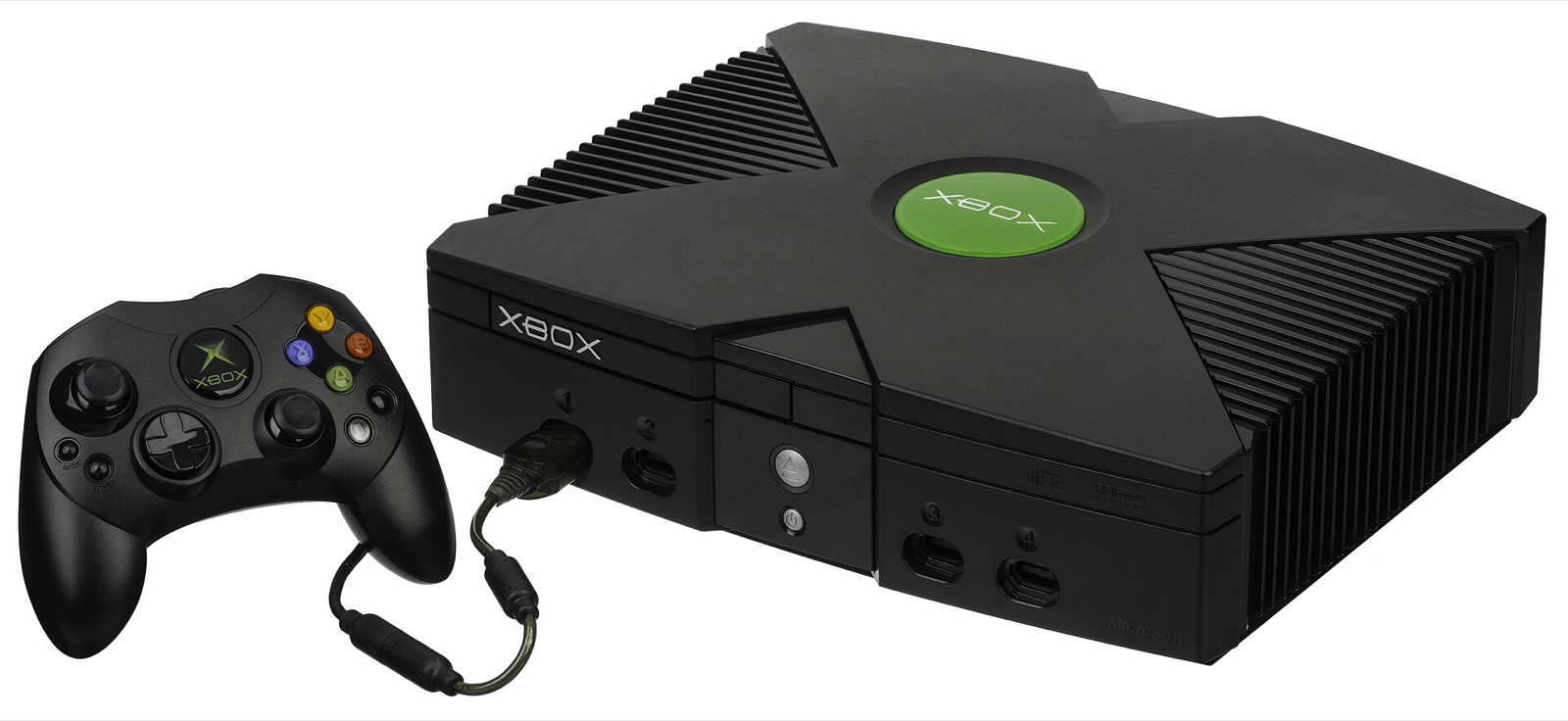
Def Jam Recompiled, the PC app, sets up, plays, updates and repairs the game. It holds no game files: it checks your own copy and builds the game on your computer. The Android port is installed differently and is covered at the end. This guide follows the project’s install guide for v1.1.1.
This site does not explain how to obtain, rip or download game files. Both ports need a copy of your own original USA Xbox disc.
Before you start
- A supported system: Windows x64, a Mac with Apple Silicon, or x86-64 Linux including the Steam Deck. See requirements.
- About 12 GiB of working space plus the size of your copy and 1 GiB; up to 15 GiB more for Upscaled Original Textures.
- Your own USA Xbox copy as a disc image (ISO/XISO) or an extracted folder.
- The package for your system from the download page, with its SHA-256 checked.
Check your copy first
The app verifies your copy against the project’s supported dump manifest before it builds anything, and refuses copies that do not match. You can check the most telling file yourself: drop the default.xbe from your extracted folder into the SHA-256 checker, which knows the expected value.
| Supported copy | Expected |
|---|---|
| Platform and region | Xbox (original), USA (NTSC-U) |
| Title ID | 0x45410049 (EA-073) |
| default.xbe | 3,284,992 bytes, built August 18, 2004 with XDK 5849 |
| default.xbe SHA-256 | 31cc0d11f7c656b1a6f337fdf7d9bbaac9df11c324a2fb881f7eb639d4be00c2 |
| Required at the top | default.xbe, fighter.xml, gamedata.xml, gconfig.xml, venue.xml, assets, audio, fonts, motion, movies, screens |
| Whole copy | 118 files, about 3.02 GB |
Install on Windows
- Download
DefJamRecompiled-1.1.1-windows-x64.exe(66.2 MB) and compare its SHA-256 with01c1a179ae2582ffd198b4a1fac2214687b98df0cfec2e2c37d7306702d56b5e. - Open it. The app is not code-signed yet: if SmartScreen appears, choose More info, then Run anyway.
- Choose where to keep the app. The default is
%LOCALAPPDATA%\Programs\DefJamRecompiled. Nothing is added to the Start menu or the desktop. - Choose your copy: Choose disc image or Choose extracted folder.
- Choose your experience: Modern (widescreen, 2× = 960p, MSAA 2×, 16× anisotropic filtering) or Original (4:3, 1× = 480p, MSAA 2×). Either can be changed later.
- Review and start: optionally tick Upscaled Original Textures, check the locations and free space, and tick the Build Tools install if offered. Then Set up game.
- When the build finishes, press Play. Use Add to Steam beside it for a library entry with artwork.
Install on macOS
- Download
DefJamRecompiled-1.1.1-macos-arm64.zip(71.6 MB) and check it withshasum -a 256. - Unzip it and open Def Jam Recompiled. You can keep the app wherever you like.
- macOS blocks it the first time: choose Done (not Move to Trash), then open System Settings → Privacy & Security and choose Open Anyway. This is needed once.
- If Apple’s Command Line Tools are missing, the app tells you how to install them, or run
xcode-select --installin Terminal. - Follow the same three setup steps as on Windows, then press Play. Steam integration is not available on macOS.
Install on Linux and Steam Deck
- Download
DefJamRecompiled-1.1.1-linux-x86_64.AppImage(204.5 MB). - Make it executable. On the Steam Deck in Desktop Mode: right-click it in Dolphin → Properties → Permissions → Allow executing file as program. In a terminal:
chmod +x. - Open it and choose where to keep it (default
~/Applications, where it copies itself asDefJamRecompiled.AppImage). - Do the three setup steps; on the Deck, choose your copy in Desktop Mode, because it opens a system file picker.
- Press Add to Steam (Steam closes for this, so the app asks first), then play from Gaming Mode. More on the Steam Deck page.
Install on Android
- Download
Def-Jam-v1.4-FG.apk(16.4 MB) from the Android port’s releases and install it. - Copy the complete extracted contents of your own disc to
Internal storage/DefJamFFNY/game/, so thatdefault.xbesits directly ingame, or use the launcher’s built-in extractor. - Open the launcher: it must show Game found. Start at internal resolution 1x.
Details, folder tree and phone fixes: Def Jam Android native port.
Where the game and saves go
Defaults; Change locations in the last setup step moves them. The same settings are stored in settings.ini in the data folder.
| Platform | App | Game build | Data and saves |
|---|---|---|---|
| Windows | %LOCALAPPDATA%\Programs\DefJamRecompiled | %LOCALAPPDATA%\DefJamRecompiled\app | %LOCALAPPDATA%\DefJamRecompiled\data |
| macOS | anywhere you like | ~/Library/Application Support/DefJamRecompiled/app | ~/Library/Application Support/DefJamRecompiled/data |
| Linux, Steam Deck | ~/Applications/DefJamRecompiled.AppImage | ~/Games/DefJamRecompiled/App | ~/Games/DefJamRecompiled/Data |
| Android | the installed APK | — | Internal storage/DefJamFFNY |
Updates, repair and uninstall
- Updates: the app checks GitHub for a newer stable release when it starts (at most every twelve hours), and Check for updates on Home checks at once. Beta releases are never offered. When the game is older than the app, choose Update game: it rebuilds from your copy in about three to ten minutes, keeps saves, settings and mods, and the previous version stays playable until the new build is ready.
- Repair or rebuild: under Help. Repair rebuilds missing files of this version; Rebuild builds from nothing. Saves and settings are kept.
- Uninstall: under Help. The data folder stays unless you tick “Also delete the data folder”, and even then saves and settings are first copied to Documents.
- If setup stops, it says why and offers Try again, Change setup options and Open log; an installed game stays playable.
Other ways to install
The README also lists RecompLauncher and Quiver as places to get the game set up. The older DefJamSetup installers remain on releases before 1.1.0, and manual source builds are documented in the repository (docs/build-and-play.md for Windows, docs/build-macos-linux.md for macOS and Linux).


Frequently asked questions
Can I use a PS2 or GameCube copy of Def Jam: Fight for NY?
No. The recompilation is made from the original Xbox executable, so only the USA Xbox release matching the supported dump manifest works. PS2 and GameCube copies cannot be used, on PC or on Android.
Does the app change my disc image?
No. Your copy is read and checked, and stays on your computer unchanged. The app builds the game into its own install folder and keeps saves and settings in a separate data folder.
How long does setup take?
Several minutes on a desktop PC. On the Steam Deck with Upscaled Original Textures, expect about 15 minutes; keep it plugged in and awake. If you cancel, the next setup picks up the work already finished.
Why does Windows want Microsoft’s C++ Build Tools?
Because the game is compiled on your PC from your copy, not downloaded ready-built. If the Build Tools are missing, the app offers to install them (a few GB from Microsoft, with Windows asking for permission). macOS uses Apple’s Command Line Tools; Linux and the Steam Deck need nothing, since the AppImage carries its own toolchain.
I installed with the old DefJamSetup. Do I start over?
No. In the app choose Use an existing installation and pick its folder: saves, settings and mods are kept. Linux players on 1.0.0 or 0.13.0 must download the new AppImage once by hand, because the old tools look for file names that no longer exist.
How do I uninstall it?
Help → Uninstall in the app removes the game build and its Steam shortcut. Your data folder stays unless you tick “Also delete the data folder”; even then, saves and settings are first copied to a dated folder in Documents. On macOS and Linux, delete the app file yourself afterwards.